DDR5 for Gaming PC Best Performance and Upgrade Options?

Time:2026-07-22 Author:Amelia
0%

In recent years, the gaming industry has experienced significant advancements in technology. One notable innovation is DDR5 memory, specifically designed for gaming PCs. Expert Kyle Bennett, a renowned figure in the tech community, has stated, "DDR5 for gaming PC will revolutionize performance and efficiency." This statement underlines the importance of DDR5 as a crucial upgrade for serious gamers.

DDR5 for gaming PC offers impressive benefits, such as faster data rates and improved bandwidth. This means that gaming can become smoother, even during the most intense action sequences. However, many users may find the transition complex. Upgrading to DDR5 requires compatible motherboards and CPUs, which can be a barrier.

Moreover, some gamers might question whether the performance boost justifies the investment. While DDR5 undeniably enhances gaming performance, it may not be necessary for casual players. Balancing budget and performance becomes a critical consideration. Embracing new technology often comes with uncertainties, making informed choices essential for optimizing one’s gaming experience.
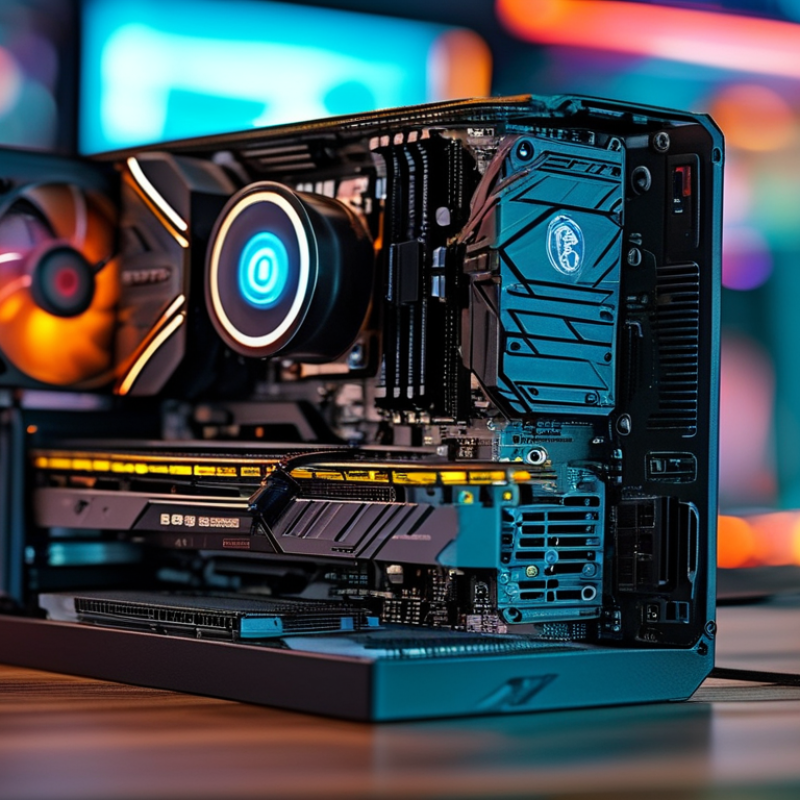
DDR5 for Gaming PC Best Performance and Upgrade Options?

Understanding DDR5 RAM: What Makes It Ideal for Gaming PCs

DDR5 RAM is quickly becoming the go-to choice for gaming PCs, thanks to its impressive performance capabilities. It offers significantly higher bandwidth compared to its predecessor, DDR4. With speeds reaching up to 8400 MT/s, DDR5 can enhance gaming experiences. According to a report from the JEDEC Solid State Technology Association, DDR5 provides up to a 50% increase in speed, which translates into smoother gameplay and faster load times.

Moreover, DDR5 incorporates advanced features like on-die ECC (Error Correction Code) to improve reliability. This is crucial for gamers who demand consistency. A study from TechSpot highlighted that systems utilizing DDR5 could deliver frame rates up to 20% higher under maximum settings. However, the higher cost of DDR5 memory could be a barrier for some gamers.

Transitioning to DDR5 isn't just about speed. It requires a compatible motherboard, which may involve additional investment. While it brings undeniable benefits, gamers must weigh their options carefully. The performance gained might be overshadowed by the higher overall cost of upgrades. Assessing your gaming needs and budget remains essential when considering this technology.

Comparing DDR4 and DDR5: Key Differences and Performance Impact

The transition from DDR4 to DDR5 memory can drastically change gaming performance. DDR5 offers higher bandwidth, improved speed, and greater efficiency. Reports indicate that DDR5 can deliver up to 8400 MT/s, compared to DDR4’s maximum of 3200 MT/s. This increased speed can enhance frame rates and reduce latency, providing a smoother gaming experience.

One critical difference lies in the architecture. DDR5 introduces dual-channel modules within a single DIMM, allowing for better data transfer rates. This unique design means that users can see performance increases in memory-intensive tasks. For gamers, this means loading times may decrease, while multitasking becomes much more manageable.

Tips: Ensure that your motherboard supports DDR5 before upgrading. Not all motherboards are equipped for this new technology. Additionally, consider the type of games you play. Some games may not fully utilize the capabilities of DDR5, making the upgrade less impactful. Observing real-world benchmarks can assist in making informed decisions about whether to switch memory types. In summary, evaluating your needs and current hardware will guide you to the right choice for gaming performance.

DDR5 for Gaming PC Best Performance and Upgrade Options?

Parameter DDR4 DDR5
Release Year 2014 2020
Max Speed (MT/s) 3200 8400
Bandwidth (GB/s) 25.6 67.2
Capacity per Module (GB) 16 32
Latency (CAS) 16-20 30+
Power Consumption (V) 1.2 1.1
Ideal Use Case Mainstream Gaming High-End Gaming / Content Creation

Choosing the Right DDR5 Modules: Capacity and Speed Considerations

When considering DDR5 modules for your gaming PC, both capacity and speed play critical roles. Modern games demand higher memory. A minimum of 16GB is advisable for smooth performance, but 32GB can future-proof your system. Larger capacities accommodate multitasking and resource-heavy applications.

Speed also matters significantly. DDR5 offers faster data rates than previous generations, improving frame rates and reducing load times. Look for modules with speeds of at least 4800 MT/s. They boost overall system performance. However, not all motherboards fully utilize high-speed modules. Checking compatibility is crucial.

While it’s tempting to push for the highest spec, balance is key. Higher capacity and speed often come at a steep price. Evaluate if the extra investment translates to noticeable performance improvements in your gaming experience. Not every user needs the best of the best. Make your choice based on your gaming habits and budget. This reflective approach will ensure your upgrade is both impactful and justified.

Upgrade Options: When and How to Transition to DDR5 for Gaming

Upgrading to DDR5 memory can significantly enhance your gaming experience. If you're already using DDR4, the transition requires some planning. Start by checking your motherboard's compatibility. Many older boards only support DDR4. If you plan to upgrade, it may be necessary to invest in a new motherboard that is DDR5 compatible. This step is crucial for ensuring improved performance.

Timing your upgrade is another key factor. Prices for DDR5 have been gradually decreasing. Many gamers recommend waiting for a few more months to maximize cost efficiency. However, if you're facing performance issues in current games, an upgrade might be necessary sooner. Don’t forget that CPU compatibility is also essential. Some CPUs simply don’t support DDR5, so ensure that your processor can leverage faster speeds and improved bandwidth.

The installation process can be straightforward, but it’s not without challenges. Seating the RAM sticks incorrectly can lead to performance issues. It’s also vital to ensure your system's cooling is adequate. High-performance RAM can generate more heat. Consider adjusting your BIOS settings for optimal timings and speed after installation. Keeping these details in mind can prevent potential frustrations and reflect poorly on your upgrade experience.

Future-Proofing Your Gaming Setup with DDR5 Technology

Upgrading to DDR5 technology can be a smart move for gamers looking to future-proof their PCs. DDR5 offers significant improvements in data transfer rates and memory bandwidth. These enhancements can lead to smoother game performance and an improved overall experience. Many modern games demand high-speed memory, and DDR5 meets this challenge effectively.

When considering an upgrade, keep in mind compatibility with your motherboard. Not all systems support DDR5 yet. Verify that your motherboard can take advantage of the enhanced speeds. The investment is worth it if your current setup struggles with demanding titles.

Tips: Focus on a balanced approach—combine DDR5 with a capable GPU. This can maximize your gaming performance. Additionally, think about your long-term needs. DDR5 may have a higher upfront cost, but it will likely last through future gaming demands. Remember, technology evolves quickly, so maintaining flexibility in your upgrades is key.

FAQS

: What are the main differences between DDR4 and DDR5 memory?

: DDR5 offers higher bandwidth, improved speed, and better efficiency compared to DDR4.

How much faster is DDR5 than DDR4?

DDR5 can reach speeds up to 8400 MT/s, while DDR4’s maximum is 3200 MT/s.

What benefits can gamers expect from DDR5?

Gamers may experience higher frame rates, reduced latency, and faster loading times with DDR5.

Is my motherboard compatible with DDR5?

Not all motherboards support DDR5, so check compatibility before planning an upgrade.

Should I upgrade if I mainly play certain types of games?

If your games don’t utilize DDR5 fully, the upgrade's impact may be less significant.

When is the best time to upgrade to DDR5?

Prices for DDR5 are decreasing. Waiting a few months can help maximize value.

What should I check before upgrading to DDR5?

Verify motherboard and CPU compatibility to ensure you can benefit from DDR5's features.

Are there any common installation issues to be aware of?

Incorrectly seating RAM sticks can cause performance issues. Cooling must be adequate as well.

How can I optimize performance after installing DDR5?

Adjusting BIOS settings for optimal timings and speeds can enhance performance post-installation.

What should I reflect on before making the upgrade?

Consider your current hardware and gaming needs to assess whether the upgrade is necessary.

Conclusion

DDR5 for gaming PC represents a significant advancement in memory technology, designed to enhance the gaming experience. This article delves into what makes DDR5 RAM particularly suited for gaming setups, highlighting its superior bandwidth and latency improvements compared to DDR4. By comparing the two, we can see how DDR5 can impact game performance, enabling faster load times and smoother gameplay.

Choosing the right DDR5 modules involves considering both capacity and speed to ensure optimal performance tailored to individual gaming needs. As gamers look to upgrade, it’s crucial to understand when and how to transition to DDR5. Embracing this technology not only boosts current performance but also future-proofs gaming systems against upcoming demands, ensuring longevity in an ever-evolving gaming landscape.

Amelia

Amelia

Amelia is a seasoned marketing professional with a wealth of expertise in our company’s core offerings. With an unwavering passion for driving growth and innovation, she plays a pivotal role in shaping our marketing strategies and enhancing brand visibility. A key aspect of her responsibilities......